 LivePin
1
The QR identifies the vehicle
It does not open a map of that driver’s home or a plate-search website.
For the public
That sticker belongs to one vehicle. Opening it in Drive lets you leave an honest rating for that driver — the app version of “How's my driving?”
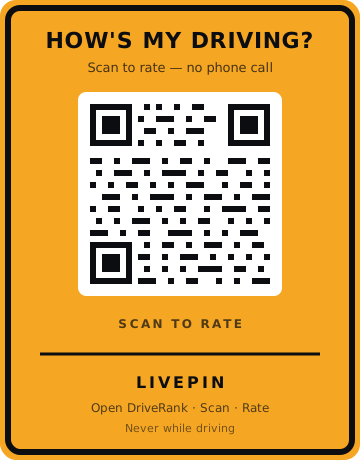
It does not open a map of that driver’s home or a plate-search website.
Stars, optional tags, and a short comment about how they drove.
Comments are shown without your name. Be fair. Don’t share private details.
No phone call and no truck number to remember — scan, rate, done.
Get the app
LivePin stickers open in Drive. Search for Drive in the App Store or Google Play, or open the app if you already have it.
App name: Drive
Bundle ID: com.unlimitedprojects.driverank
App link: driverank://
Do not scan, type, or rate while operating a vehicle. Distracted driving is dangerous and may be illegal. If you need to rate a LivePin vehicle, wait until you are parked or ask a passenger.